What does an image upscaler do?+
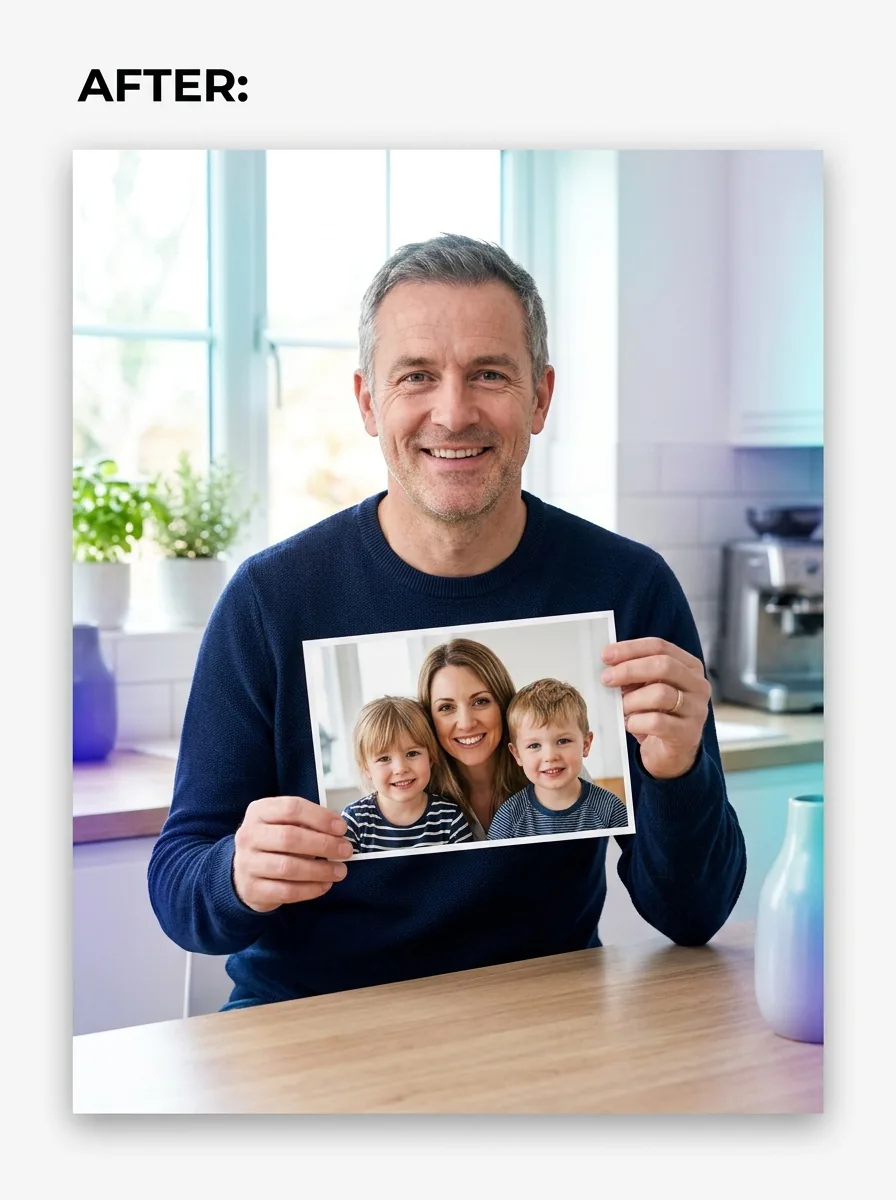
An image upscaler makes a small or low-quality photo larger while adding detail, so the result looks sharper instead of simply stretched. MiFoto’s image upscaler is useful for product shots, old phone photos, social posts, and images you want to print at a bigger size.
How does MiFoto image upscaler work?+
MiFoto image upscaler analyzes your photo, increases its size, and rebuilds missing detail with AI. You upload the image, choose the output size, then download a larger file with cleaner edges and better clarity than a normal resize.
Can an image upscaler fix blurry photos too?+
Yes, an image upscaler can improve mild blur while enlarging the photo, but it is best at resolution and detail recovery first. If the photo is mainly soft or out of focus, use the photo unblur tool after upscaling for a cleaner final result.
How do I upscale image files without losing quality?+
You get the best result when you start with the clearest version you have and enlarge it with AI instead of basic stretching. MiFoto helps preserve edges, textures, and facial detail, which usually looks much better than resizing an image in a standard editor.
Is MiFoto an image enlarger or an image enhancer?+
It is both, but the jobs are slightly different. An image enlarger increases size, while a photo enhancer improves overall quality. On MiFoto, this tool focuses on enlarging and adding detail, and you can use the separate photo enhancer at /photo-enhancer if the image also needs broader cleanup.
Can MiFoto increase image resolution for printing?+
Yes, MiFoto can increase image resolution for many print needs when the original photo still has enough usable detail. It works well for posters, flyers, product cards, and framed photos, but very tiny or heavily compressed files may still have visible limits.
What file do I get back from the image upscaler?+
You get a larger, sharper image file that you can download and use right away. For example, a small product photo can become a cleaner high-resolution version for your store, listing, or print layout, with improved detail and more usable size.
Will the image upscaler make faces look fake or over-smoothed?+
No, the goal of the image upscaler is to keep faces natural while improving clarity. If a portrait needs skin cleanup, blemish fixes, or softer lighting, use the photo retoucher after enlarging so you edit detail and retouching as two separate steps.
What photos work best with an AI image upscaler?+
Small portraits, product photos, travel shots, pet photos, and older phone images usually work best. AI image upscaler results are strongest when the subject is still recognizable in the original, even if the file is soft, compressed, or too small for your current use.
What should I do if the upscaled photo still looks pixelated?+
First, try the highest-quality original file you can find, because heavy pixelation in the source limits any tool. If the photo still looks rough, read our guides on how to fix a pixelated image, how to sharpen a photo, and how to enhance photo quality for extra tips.