What is an AI art generator?+
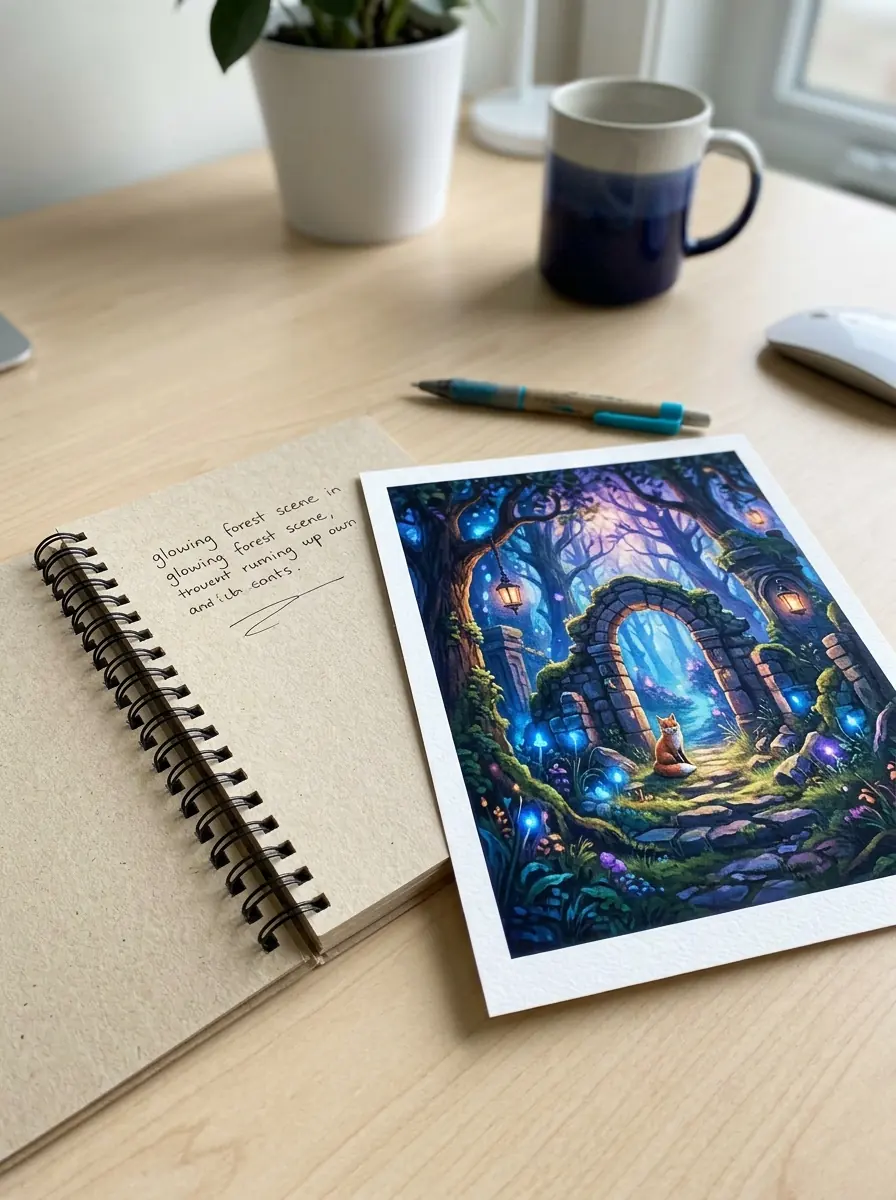
An AI art generator is a tool that turns a text prompt into visual art. You describe a subject, style, mood, or scene, and the model creates an image that matches those instructions. Some tools focus on painterly looks, while others aim for photos, posters, or character art.
How does an AI art generator work?+
An AI art generator works by reading your prompt, mapping the words to visual concepts, and predicting what the final art should look like. The model has learned patterns from many image and text pairs, so it can combine objects, lighting, styles, and composition into a new image.
Can AI art make original images from a short prompt?+
Yes, AI art can produce original-looking results from only a few words, but the output is usually better with more detail. Adding the subject, setting, camera angle, color palette, and mood gives the model clearer direction. If you want prompt help, see the text to image prompt guide.
What is text to art, and how is it different from editing a photo?+
Text to art creates a new image from words, while photo editing changes an image you already have. If you want to remove a background, fix blur, or retouch a portrait, editing is the better fit. If you want a brand-new scene, character, or concept, generation makes more sense.
When should you use an AI painting generator instead of a realistic image tool?+
Use an AI painting generator when you want brush texture, stylized color, fantasy scenes, or a hand-made art feel. Choose a realistic generator when you need product concepts, ad-style visuals, or lifelike portraits. The best choice depends on the look you want, not just the prompt.
Can an AI art generator create portraits, logos, and profile images?+
Yes, many generators can handle those jobs, but a dedicated tool often gives better controls for each format. For a face-first result, use an AI avatar generator or an AI profile picture generator. For brand marks, an AI logo generator is a better match than a general art tool.
Why does AI art sometimes ignore part of the prompt?+
AI art may miss details when the prompt is vague, overloaded, or contains conflicting instructions. Long prompts with too many style requests can weaken the main idea. A clearer prompt with one subject, one style, and two or three important details usually gives a more accurate result.
What makes a good prompt for an AI art generator?+
A good prompt names the subject first, then adds style, lighting, composition, and quality cues. For example, 'golden retriever on a red sofa, warm window light, watercolor style, soft edges' is stronger than 'cute dog art.' For more examples, read how to generate images with AI.
Can an AI art generator make photo-like images too?+
Yes, many tools can create photo-like results as well as illustrated ones. If your goal is a realistic scene rather than painterly output, an AI photo generator may fit better. If you want to compare model behavior, the AI models page helps explain why outputs can look different.
How can you get better faces and character poses in AI art?+
Start with a precise description of age, expression, pose, framing, and lighting, then keep the rest of the prompt simple. Portrait results improve when you state the camera distance, such as close-up or half-body, and the mood. For character-focused examples, check best AI portrait prompts.