What does an AI background generator do?+
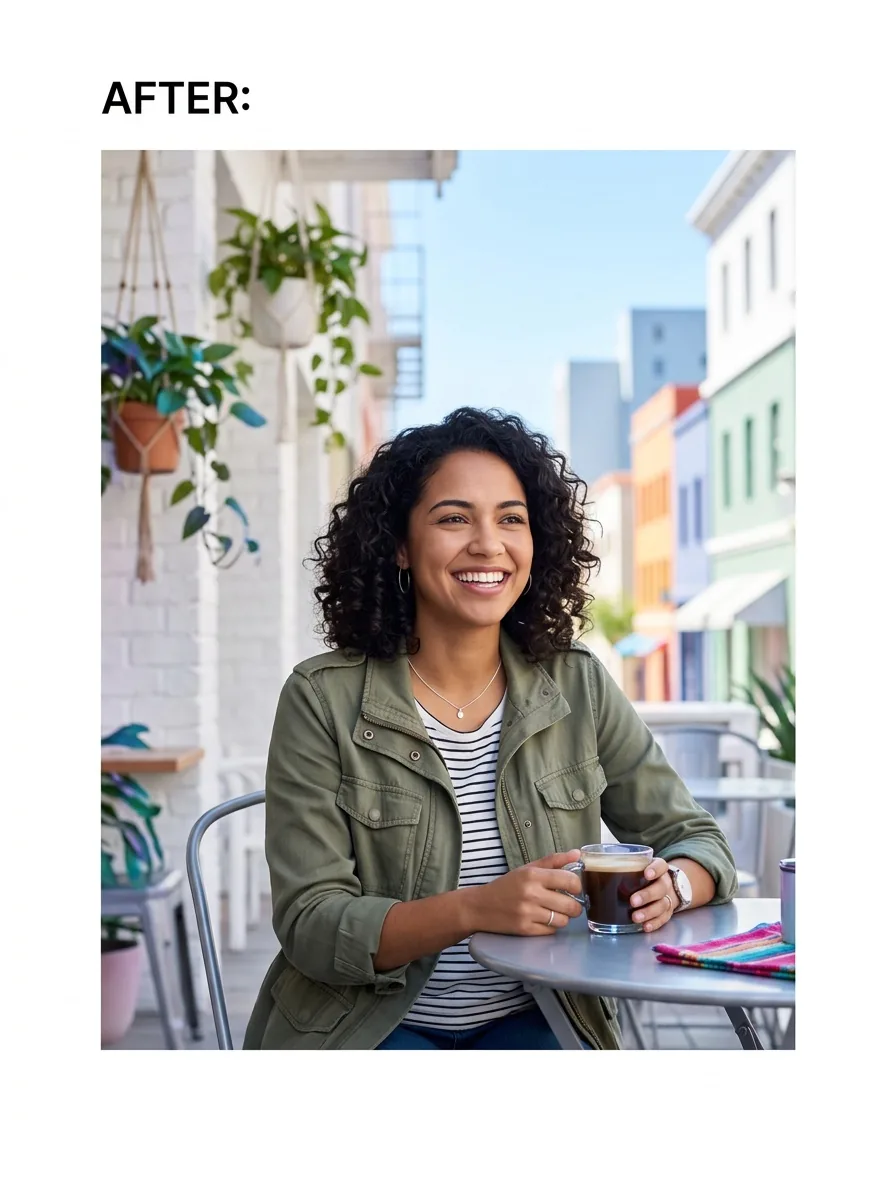
An AI background generator replaces or creates a new photo background from your image and prompt. You upload a photo, describe the look you want, and the tool makes a new background while keeping your main subject in place. It is useful for portraits, products, pets, and quick social posts.
How does the AI background generator keep the subject from changing?+
It works by separating the main subject from the rest of the photo, then building a new scene behind it. MiFoto's AI background generator is designed to preserve the person, pet, or product while changing the background, so your result stays close to the original shot.
Is there a free AI background generator I can use without Photoshop?+
Yes, you can start with a free AI background generator online and skip complex editing software. You upload a photo, choose or describe a background, and export the edited image. That makes it a practical option for people who want fast edits without detailed selection work.
Can AI background generator online tools work on a phone?+
Yes, many AI background generator online tools work well on mobile because everything runs online. You can upload a selfie, product photo, or pet picture from your phone and create a fresh background without installing a desktop app.
What is the difference between AI background and a transparent background?+
An AI background is a newly generated scene, color, or setting added behind your subject. A transparent background removes the backdrop entirely and usually gives you a PNG for design use. If you only need the cutout, use the background remover or read the guide on how to make background transparent.
Can a photo background changer make product photos look cleaner?+
Yes, a photo background changer can make store images look cleaner by replacing messy surroundings with simple, polished scenes. For example, a bottle shot on a kitchen counter can become a bright shelf or clean studio-style setup. If you sell online, the AI product photo generator is the better next step.
Is a background maker better than removing the background first?+
It depends on the result you want. A background maker is best when you want a whole new scene, such as a beach, office, or pastel studio setup. If you first need a clean cutout file, use the background remover, then add a new scene after that.
What files can an AI background generator export?+
Most results are exported as standard image files you can download and share right away. In practice, you upload a photo with its original background and get back an edited photo with the new background applied. If you need only the isolated subject, use the tool for removing the background from an image.
Why does an AI background generator sometimes look unrealistic?+
The most common reason is a mismatch between the original subject and the new scene. If the lighting, camera angle, or prompt is too different, the background generator can look off. Better results come from clear photos, simple prompts, and backgrounds that match the subject's pose and light.
Can an AI background generator remove people, text, or clutter too?+
Sometimes, but that is not its main job. An AI background generator focuses on creating or replacing the scene behind your subject, while clutter cleanup is better handled by the object remover. If you want tips first, see the articles on how to remove background from image and how to change photo background.